Every Door, Gate and Lift. One Intelligent System.
xSERVA is smart access control for everyone: face and palm biometrics, computer vision, vehicle plates, cards, phones and QR on one platform that keeps deciding when the internet does not.
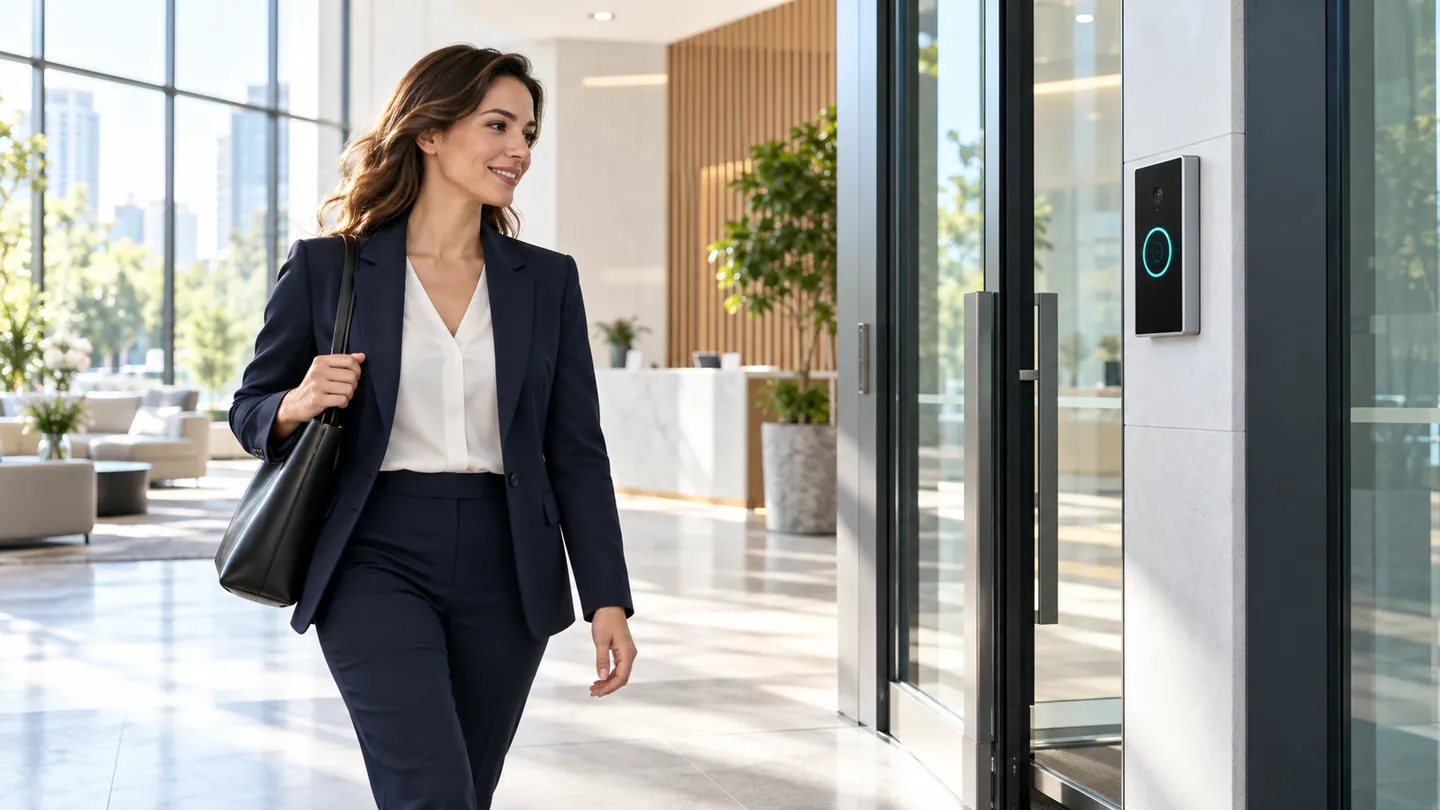
- Face and Palm Biometrics
- Computer Vision Analytics
- Works Offline
- Keeps Your Existing Cards
- Private by Design
Cards Get Lent. Doors Get Tailgated. Systems Go Offline.
Most access control still trusts a piece of plastic and a network cable. xSERVA trusts the person, watches the door and keeps working without a server.
A Badge Is Not a Person
Cards are lent, cloned and forgotten. Faces, palms and fingerprints cannot be handed to a colleague, and every credential resolves to one holder.
Doors Need Eyes
Computer vision counts bodies against credentials, so two people on one badge raise an alert instead of passing unseen.
Decisions Without a Server
Each reader holds its own access list. A cut link, a dead router or an outage does not lock anyone out.
Live on Your First Door in an Afternoon
Start with one entrance and grow door by door. Nothing needs a static IP, a port forward or a router change: readers call the platform, never the other way round.
- 01
Connect Your Doors
Mount UltraPASS readers on the doors, gates and lifts you choose and pair each one to your workspace. Existing locks, turnstiles and barriers stay.
- 02
Enrol Your People
Add holders and attach a face, card, phone, PIN, QR or plate to each record. Staff can self-enrol from the holder portal.
- 03
Set the Rules
Build pass types and schedules once, grant them to sites, and switch on the computer vision checks each door needs.
- 04
Watch It Work
Readers decide in under half a second, even offline. Events, alerts and clips land in one console with the reason for every decision.
An AI That Decides at the Door, Not in the Cloud
Neural matching, passive liveness and anomaly detection run where the decision is made, so entry is fast, private and still works offline.
- Matches on the reader. Face and palm templates never need to travel to match, and a cut link does not stop the door.
- Stops spoofs. A printed photo or a phone replay is rejected without asking anyone to blink.
- Explains itself. Every grant and denial records the credential, the rule and the confidence behind it.
- Spots the unusual. Odd hours, repeated denials and impossible travel are flagged for security to review.
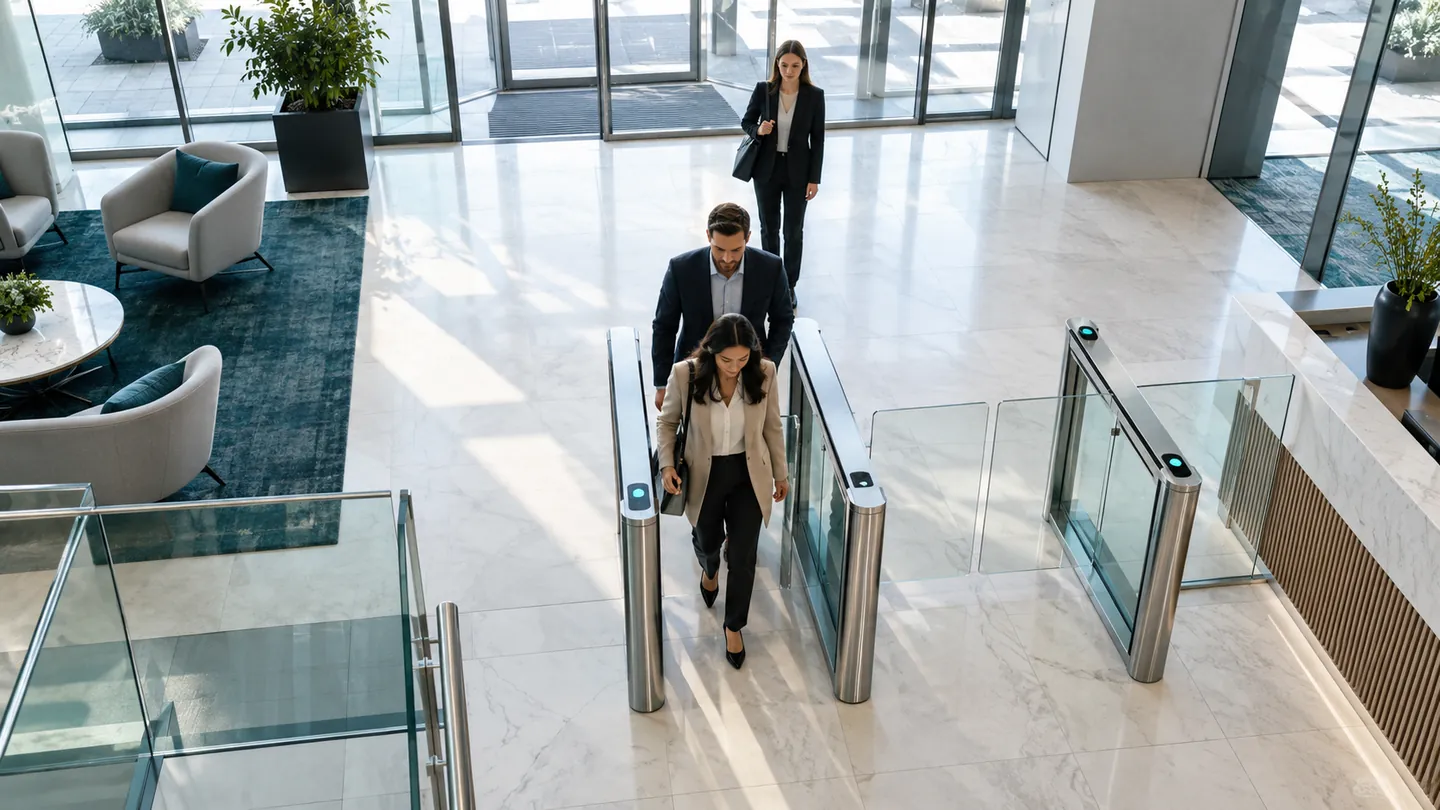
Cameras That Understand the Door
Tailgating, occupancy, PPE, loitering and queues, detected by computer vision and attached to the access record, so an alert always comes with the event that caused it.
- Tailgating and piggyback detection
- Live occupancy and a current muster roll
- PPE checks before the door releases
- Forensic search by person, plate, door and time
Eight Ways In. One Person. One Access List.
Let people use what suits them: a face, a palm, a card they already own, a phone in the pocket, a QR, a plate or a PIN. Every credential resolves to the same holder.
Face Recognition
Walk up, look up, walk through. Staff entrances, lobbies, lift lobbies, and any door where hands are usually full.
Learn MoreVehicle Plate Recognition
The car is the credential. Car-park barriers, loading bays, gated communities, and fleet yards.
Learn MoreBiometric Access
A credential that cannot be lent. Server rooms, cash rooms, pharmacy stores, and any door with an audit obligation.
Learn MoreNFC, MIFARE & HID Cards
Keep the cards you already issued. Existing sites, large headcounts, contractors, and anywhere a physical badge is already policy.
Learn MoreBluetooth & BLE
The phone stays in the pocket. Turnstiles, main entrances, accessible doors, and staff who carry a phone but resist a badge.
Learn MoreDynamic QR Codes
A key that expires while you watch it. Visitors, contractors, tenants, delivery drivers, and anyone who should not be issued a card.
Learn MoreBarcodes & Static Passes
For everything already printed. Events, printed visitor badges, schools, and short-lived one-day access.
Learn MorePIN & Keypad
The fallback that always works. Back-of-house doors, second-factor pairing, and a fallback on every reader.
Learn MoreKeep Your Cards. Add Phones and Faces When You Are Ready.
MIFARE, DESFire, HID, 125 kHz proximity and NFC tags all read on one UltraPASS reader, and Bluetooth turns a phone into a hands-free key.
- Existing cards keep working on day one
- Card numbers match your old system exactly
- Bluetooth phone access with a range you set per door
- A clear upgrade path to DESFire, face and palm vein
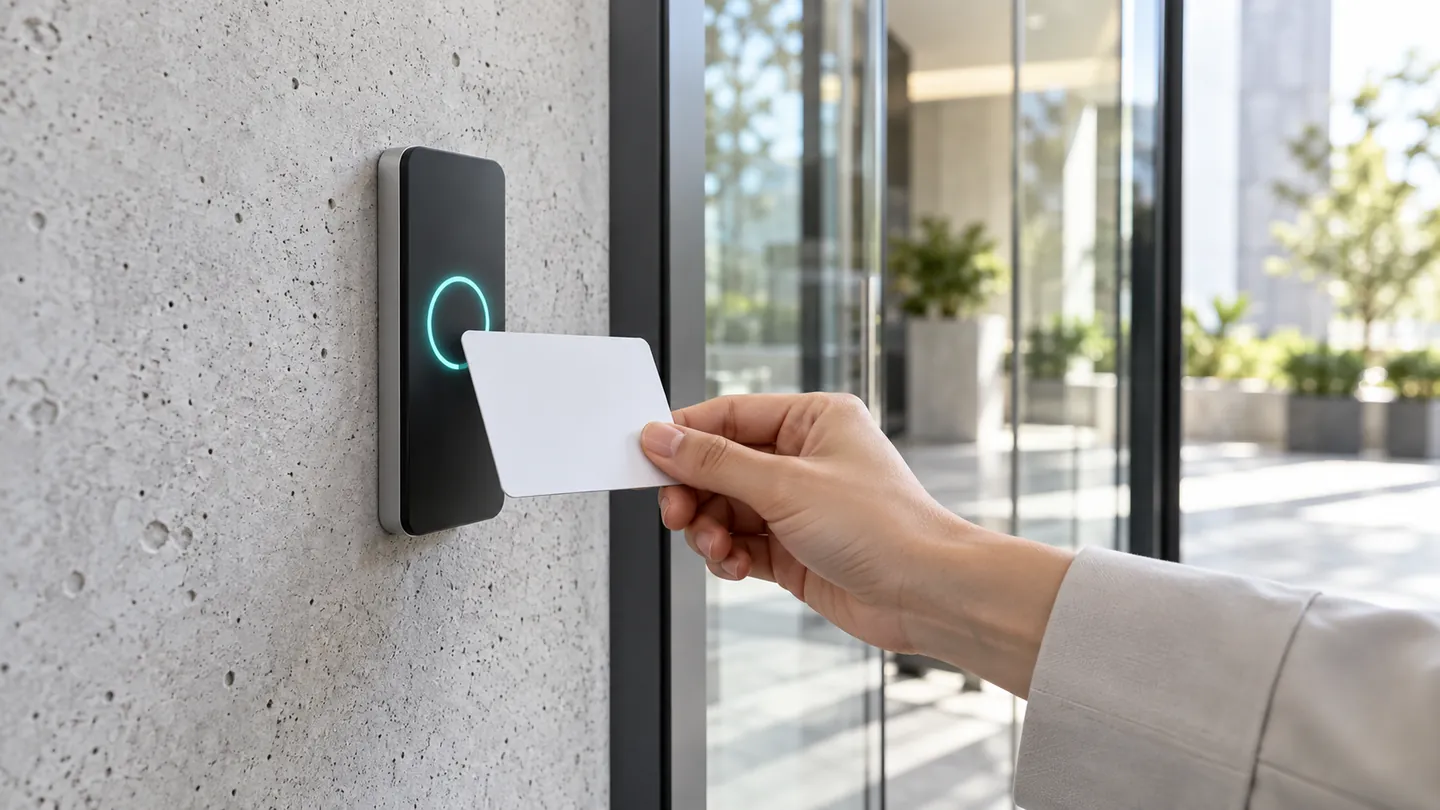
Access Control for Every Kind of Place
The same platform fits a condominium lobby, a factory gate, a data-centre cage and a government atrium.
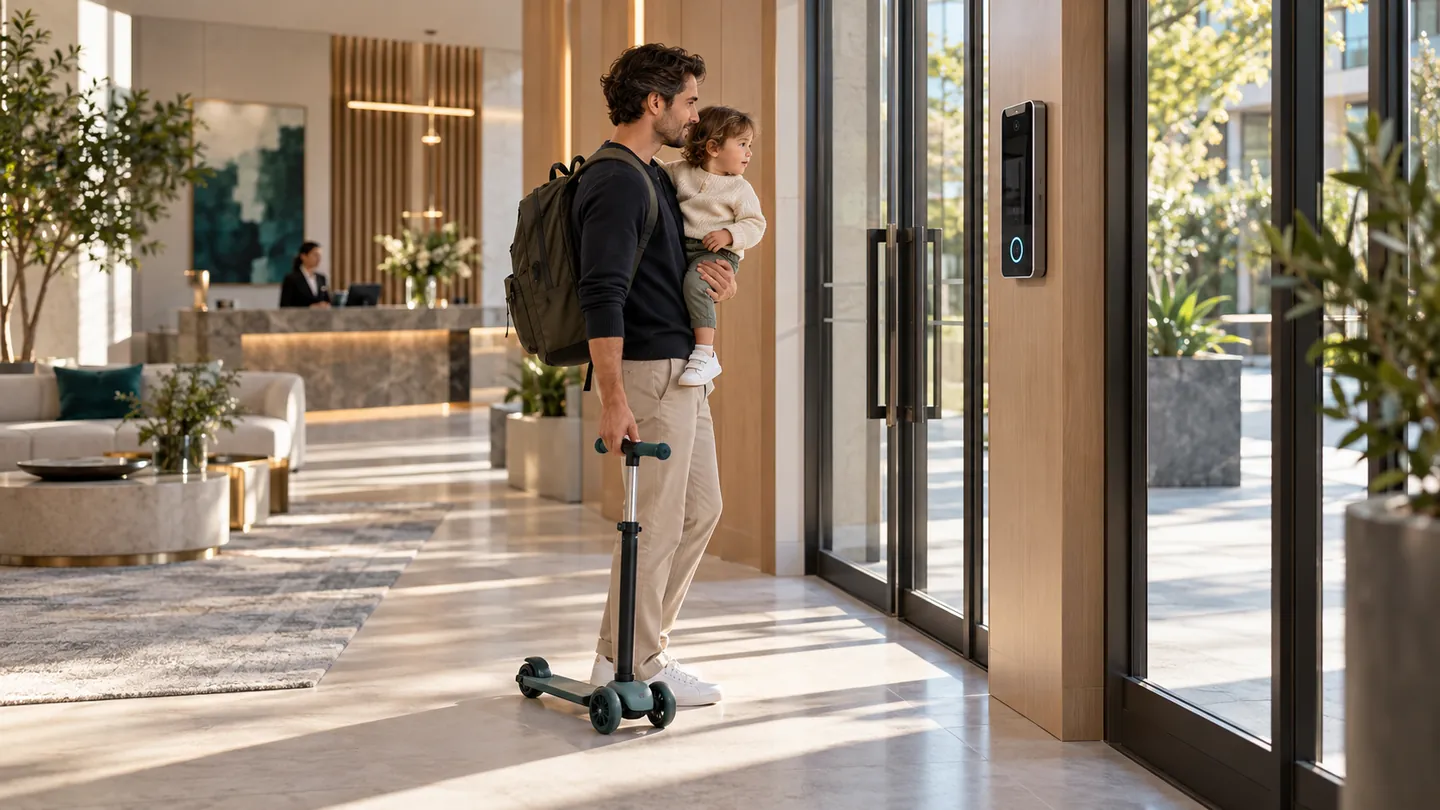
Homes and Condos
Open for residents. Closed to everyone else.
Learn More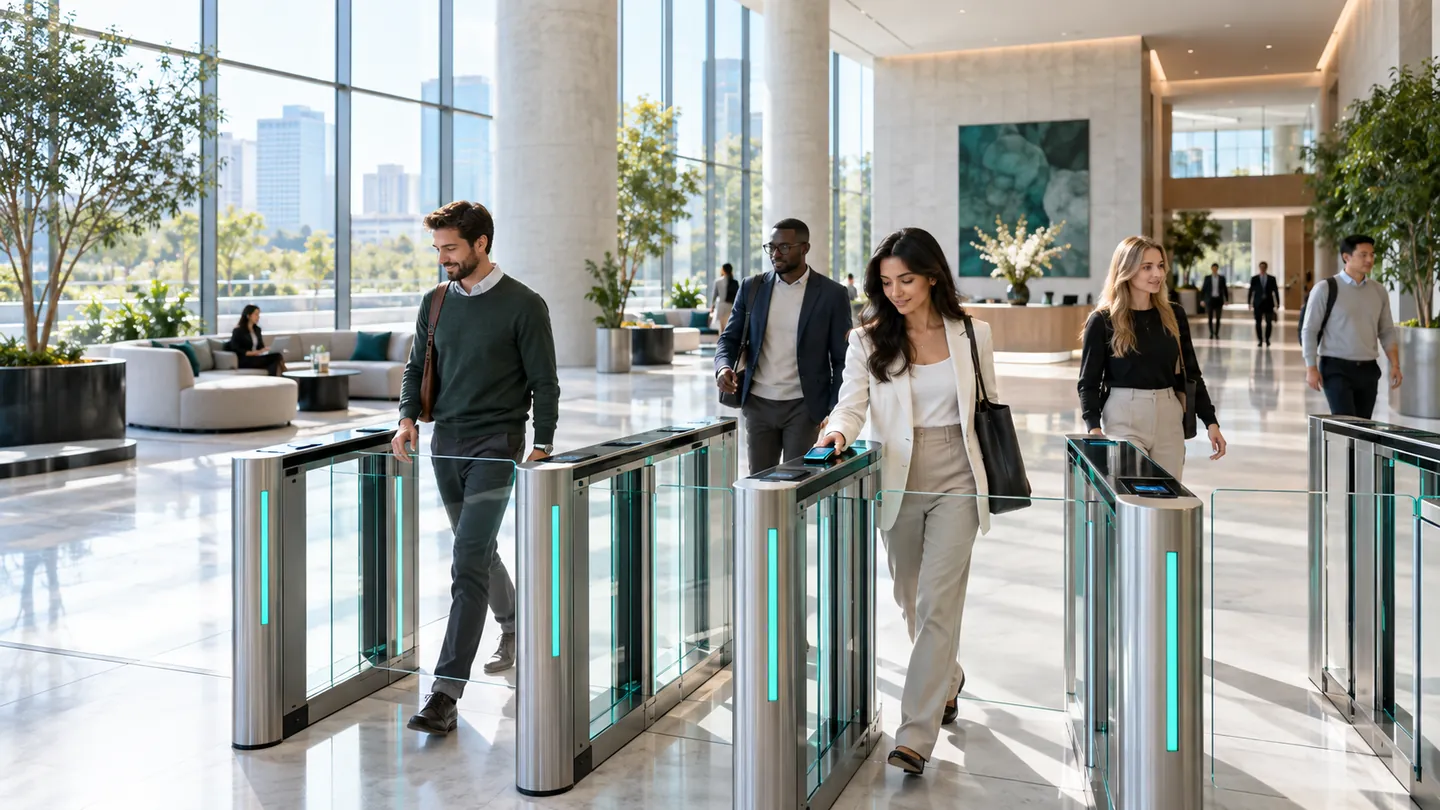
Offices
A lobby that moves as fast as your people.
Learn More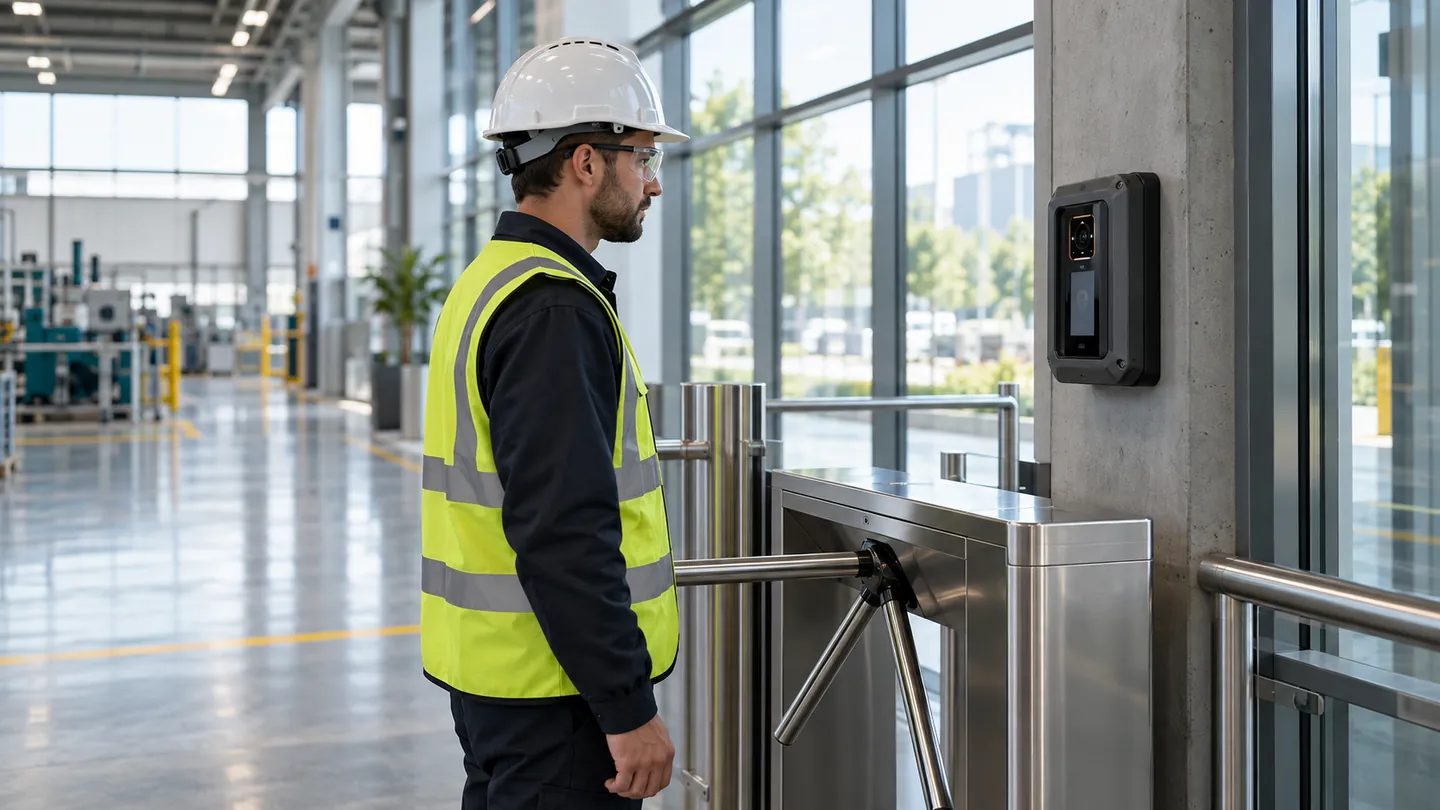
Factories and Warehouses
Built for helmets, gloves and shift changes.
Learn More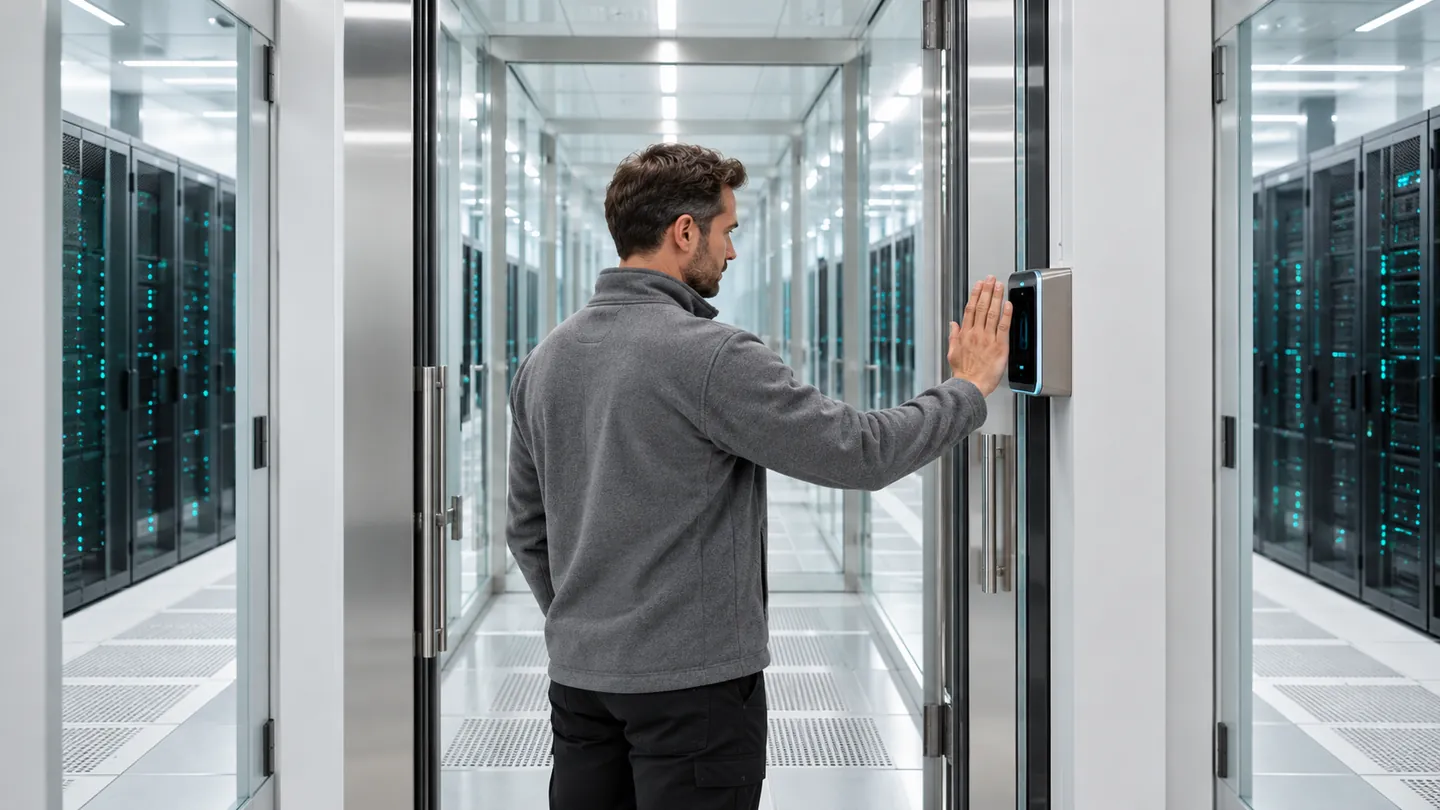
Data Centres
The audit trail that answers the auditor.
Learn More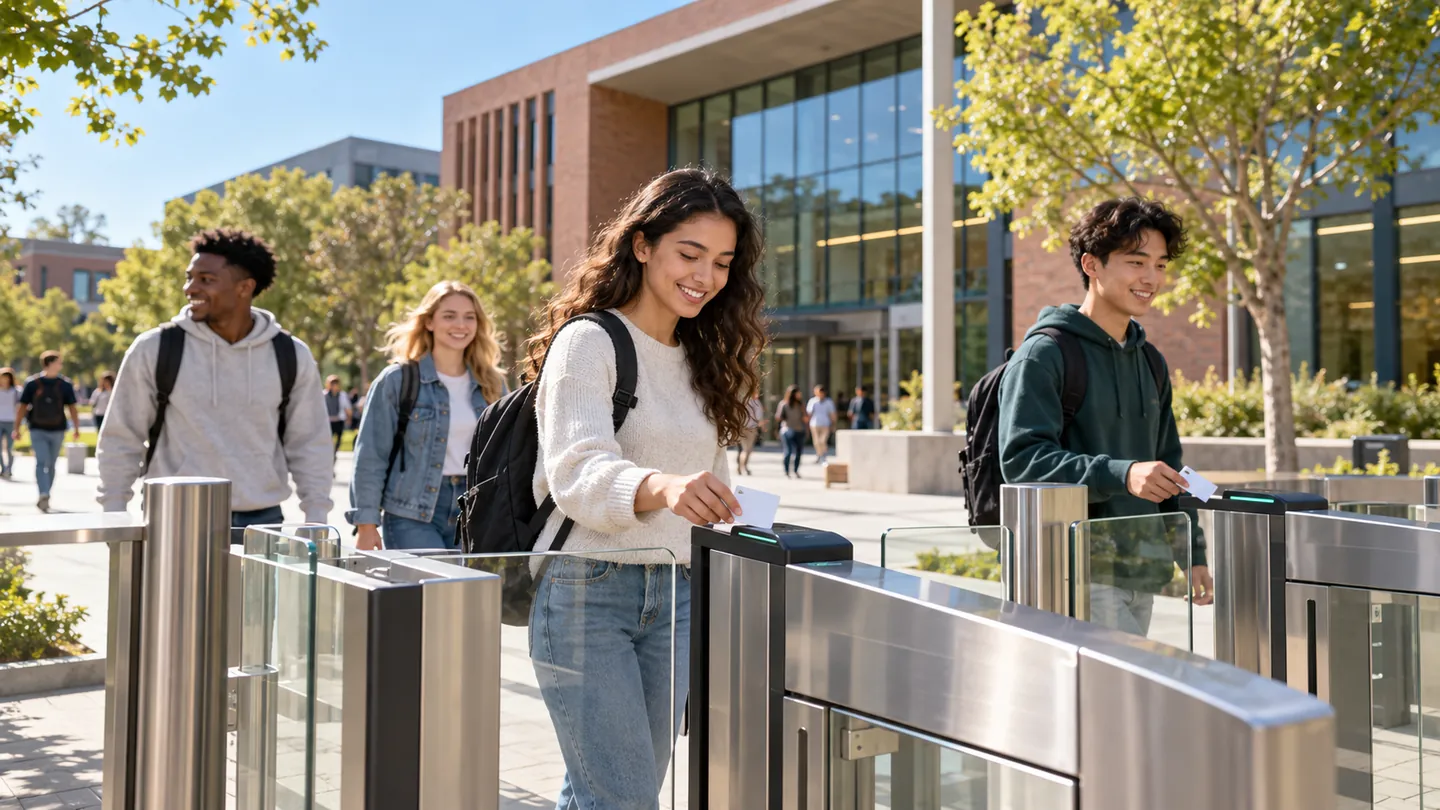
Schools and Campuses
Open days and open minds, closed gates after hours.
Learn More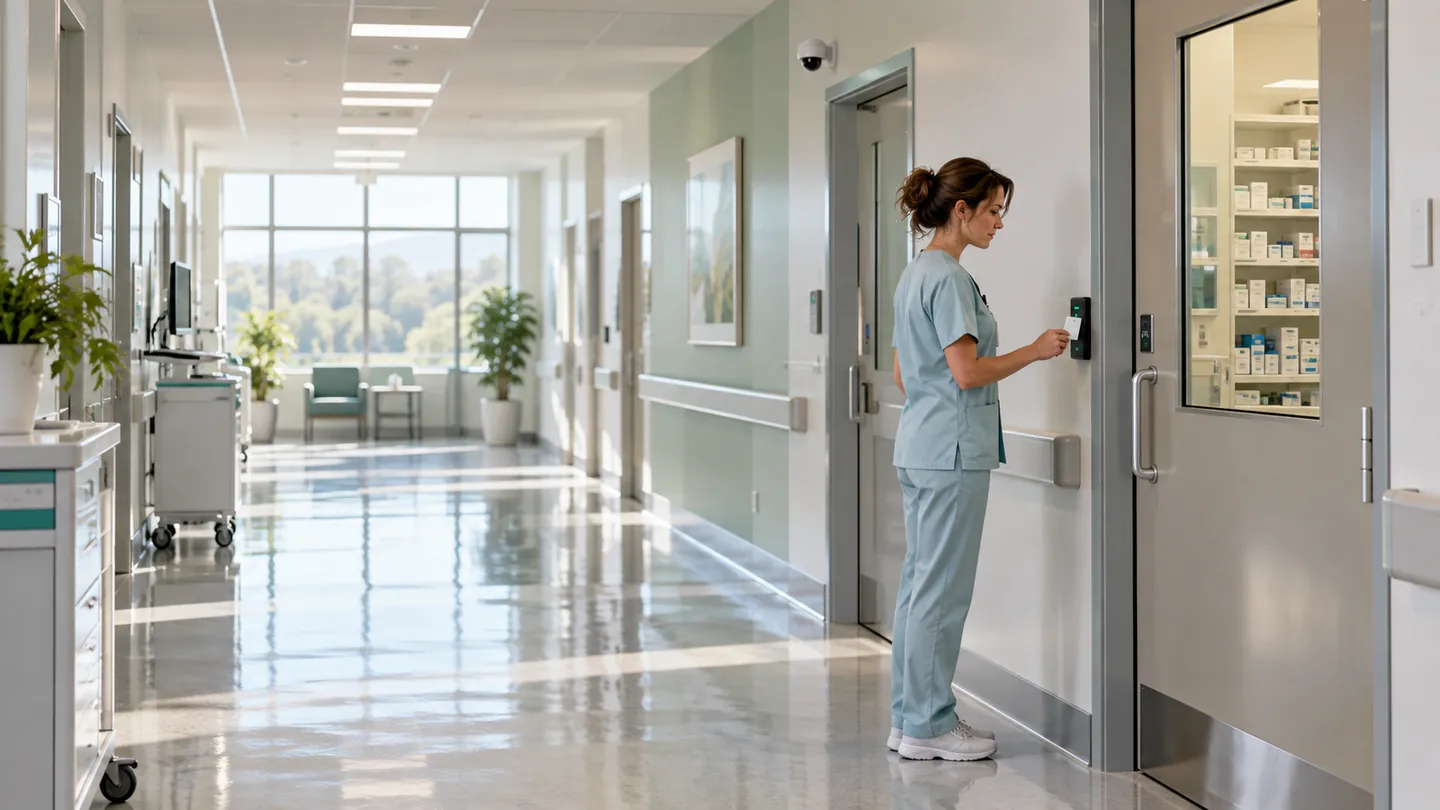
Hospitals and Clinics
Protect what matters. Never slow an emergency.
Learn More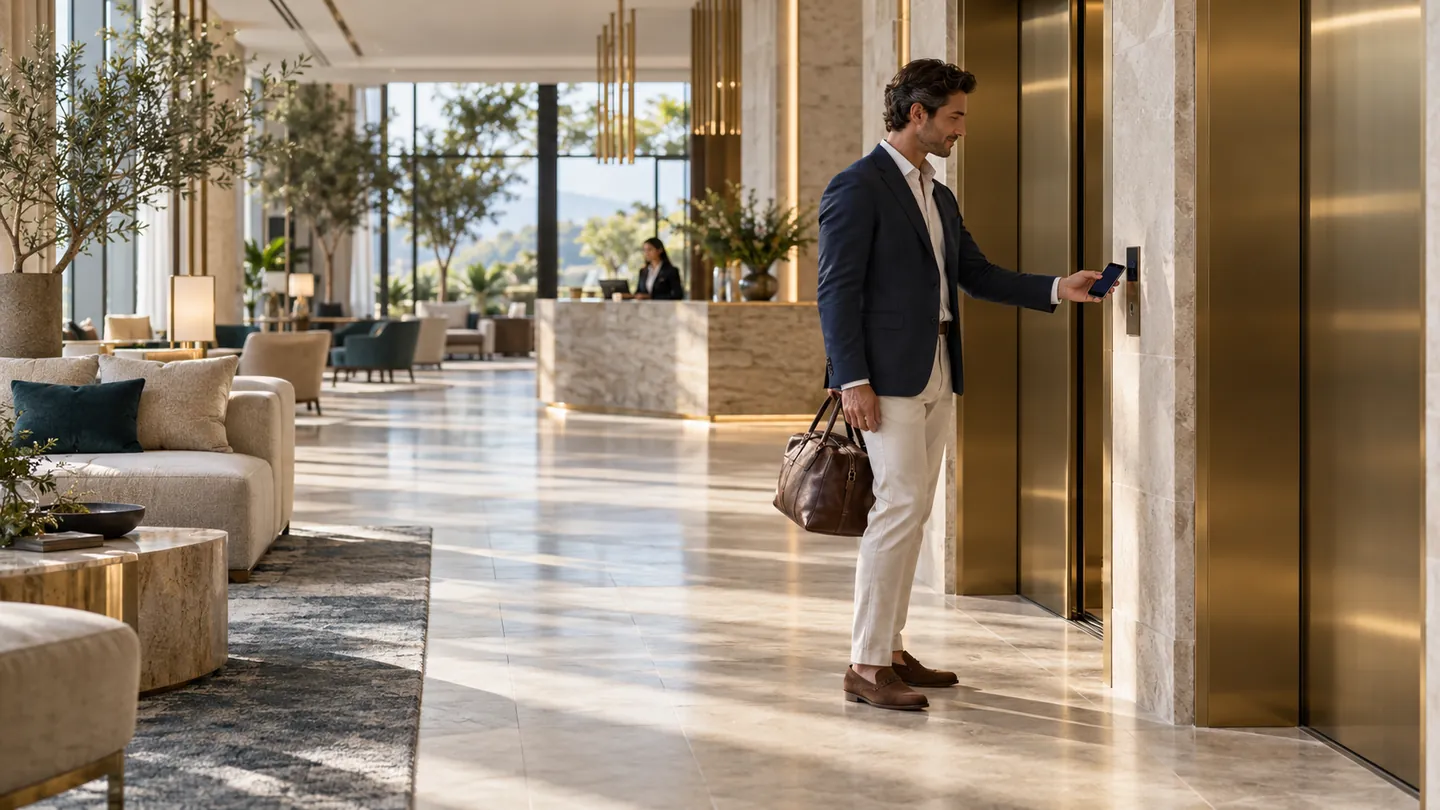
Retail and Hotels
Warm for guests. Locked for everyone else.
Learn More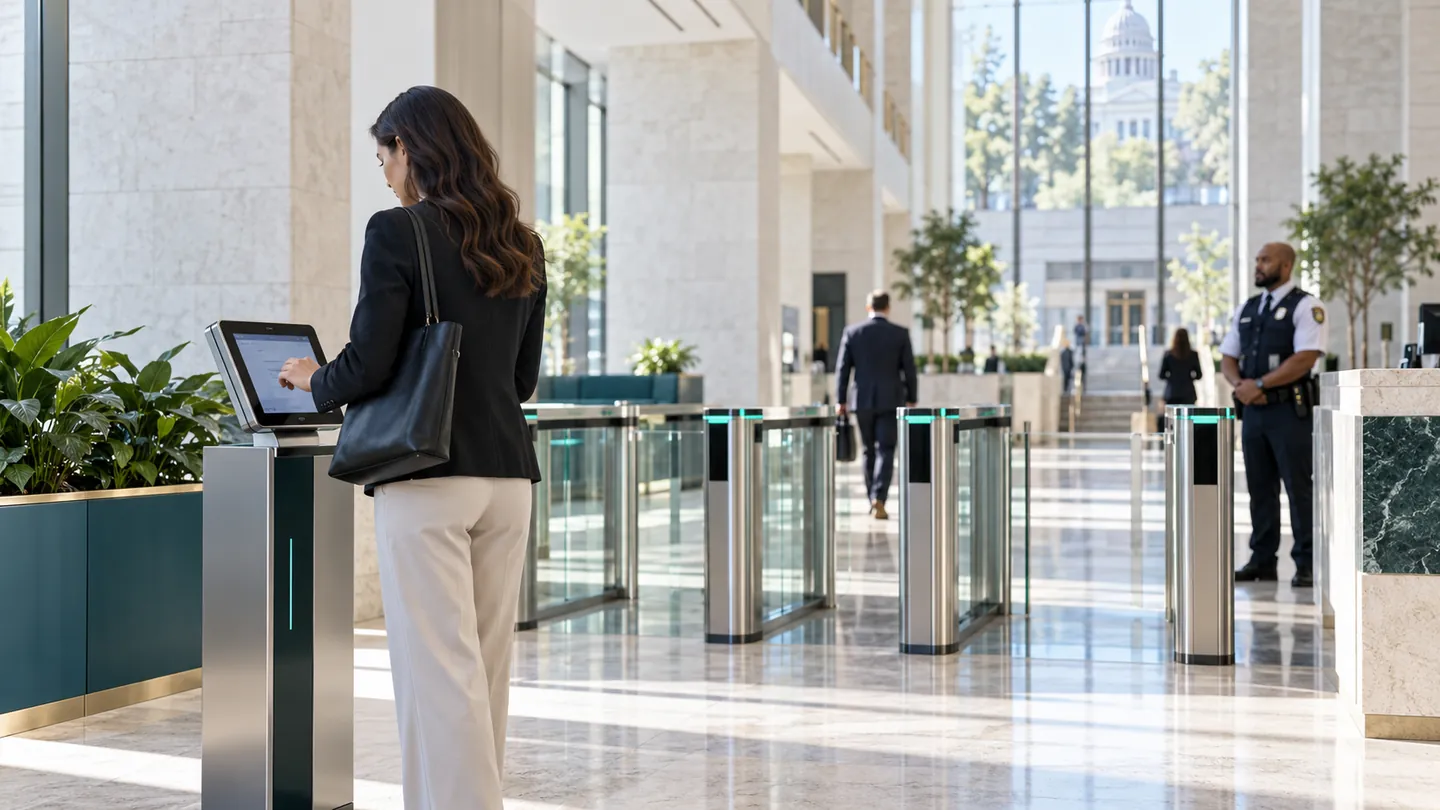
Government
Open to the public. Accountable behind the gates.
Learn MoreOne Reader Family. Door to Lift to Visitor Desk.
UltraPASS readers cover the door and the barrier. SuperPASS covers the lift and the visitor experience. All of them are managed from one console.
UltraPASS-Door
The multi-credential door panel. NFC and MIFARE, HID and proximity cards, BLE, dynamic QR, barcode and PIN in one unit, with the relay wired straight to the lock.
See DetailsUltraPASS-Face
Face recognition at the door, matched on the device. Works with masks, works in the dark, and works with the internet down.
See DetailsUltraPASS-Vehicle
AI plate recognition for barriers and gates. Reads the plate on approach and clears the vehicle against the same access list as every door.
See DetailsUltraPASS-Bio
Fingerprint and palm-vein entry for the doors that need a non-transferable credential and a defensible audit trail.
See DetailsSuperPASS-Lift
Destination control in the lift lobby. A scan or a tap calls the car and releases only the floors that holder is entitled to reach.
See DetailsSuperPASS-Visitor
Visitor management from pre-registration to sign-out, a dynamic QR sent ahead by WhatsApp, a host notification on arrival, and an on-site roll call that is always current.
See DetailsCards-Only Access Control Versus xSERVA
| Question | Cards and Fobs Only | xSERVA |
|---|---|---|
| Can a credential be lent? | Yes, to anyone | Biometrics and rotating QR cannot be lent |
| Does it see two people on one badge? | No | Yes, computer vision flags tailgating |
| Works when the internet is down? | Often not | Yes, readers decide locally |
| Keeps your existing cards? | Locked to one card type | MIFARE, DESFire, HID and proximity |
| Visitors without issuing a card? | Paper log or loan badge | Signed QR sent by WhatsApp |
| Explains each decision? | Door opened or not | Credential, rule, schedule and confidence recorded |
Straight Answers
Does the door still open if the internet goes down?
Yes. Every UltraPASS reader holds its own copy of the access list and makes the decision locally, so a cut link, a dead router or an ISP outage does not lock anyone out. Events queue on the reader and upload in order the moment the link returns.
Can I keep my existing access cards?
In most cases, yes. The reader speaks MIFARE Classic and DESFire, HID iCLASS and Prox, NTAG, and 125 kHz EM proximity, and the UID letter case, byte order and number base are all configurable, so xSERVA can be told to store card numbers exactly the way your previous system did. Existing cards then keep working without re-badging anyone.
What is xSERVA?
xSERVA is an AI-powered smart access control platform by VYROX. It combines face, fingerprint and palm-vein biometrics, computer vision, vehicle plate recognition, cards, Bluetooth phones, dynamic QR codes and PIN entry on one cloud console, with readers that keep deciding offline.
Who is xSERVA for?
Everyone who has a door, gate, lift or car park to protect: homes and condominiums, offices, factories and warehouses, data centres, schools and campuses, hospitals and clinics, hotels and retail, and government buildings.
What does AI do in xSERVA?
AI matches faces, palms and plates on the reader, rejects spoofed faces with passive liveness, flags unusual access patterns, and, with computer vision, detects tailgating, PPE, loitering and queues. Each decision records why it was made.
What computer vision features are included?
Tailgating and piggyback detection, live occupancy and headcount, PPE compliance at the gate, loitering and dwell alerts, queue and crowd flow, after-hours zone detection, vehicle intelligence and forensic search.
Is biometric data safe?
Templates are stored as irreversible feature vectors and the original image is discarded after enrolment. Matching happens on the reader, so biometric data does not travel to the cloud on every entry.
How do I get started?
Message Patrick on WhatsApp at +60 19-688 3338 for a free, no-obligation live walkthrough. Most sites start with one entrance and grow door by door.