Loitering and Dwell Alerts
Flags a person or vehicle that lingers at a door, a loading bay or a restricted corridor for longer than the rule allows, with the event and a clip together.
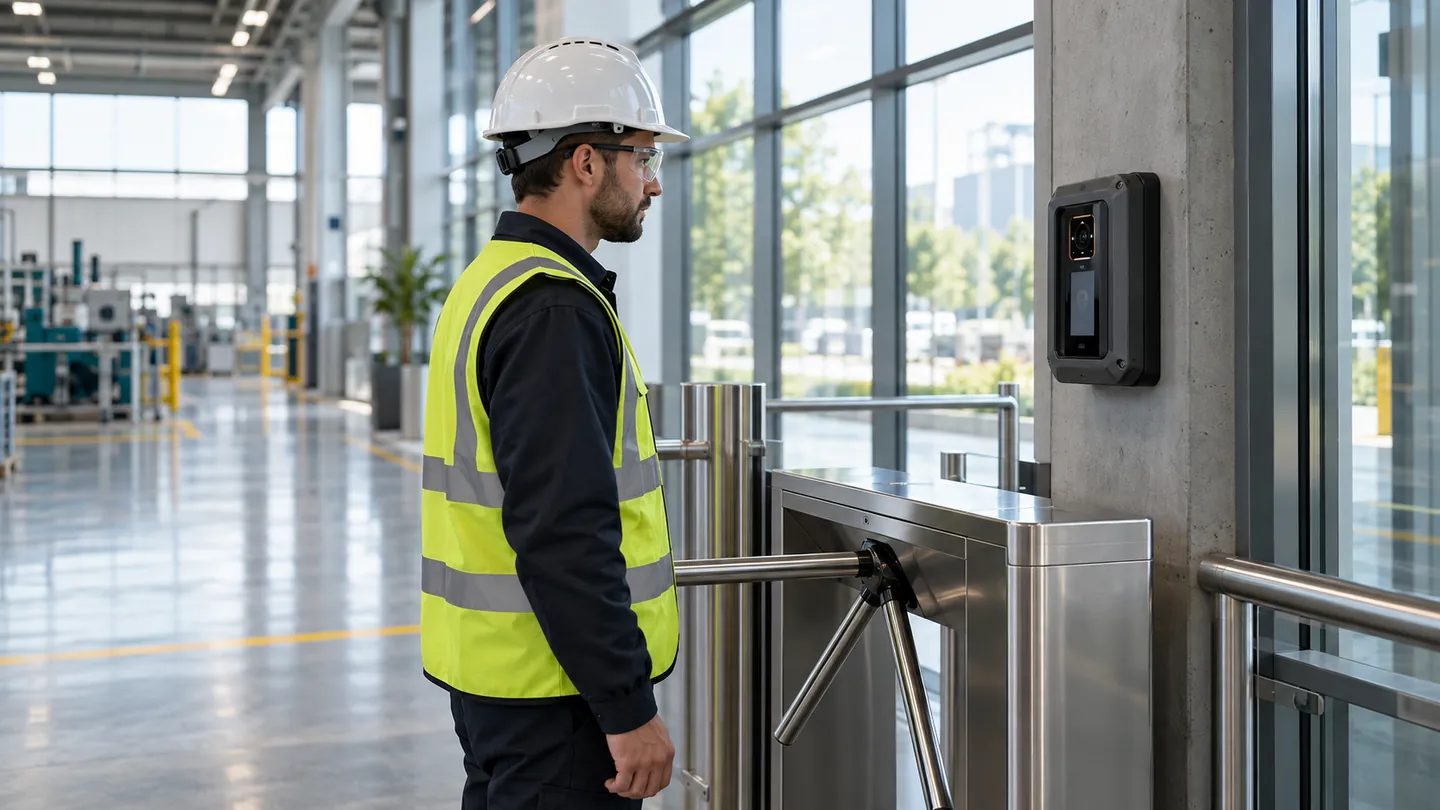
From Camera to Alert
- 01
Watch
The camera tracks how long a person or vehicle stays near a door or zone.
- 02
Compare
Dwell time is compared with the rule for that place.
- 03
Alert
An alert goes to the role you choose, with a clip.
Configuration
- Dwell time per zone
- Schedule by hour
- Who is notified
Outputs
- An alert with a clip
- A dwell report by door
- Links to nearby access events
Best for: Loading bays, car parks, fire exits and restricted corridors.
Loitering and Dwell Alerts Questions
What does loitering and dwell alerts do in xSERVA?
Flags a person or vehicle that lingers at a door, a loading bay or a restricted corridor for longer than the rule allows, with the event and a clip together.
Why does it matter?
Most intrusions look like someone waiting for a door to open for them.
Is it tied to the access record?
Yes. Every detection is attached to the access event it relates to, so an alert always arrives with the context to act on it.