Fingerprint Access Control
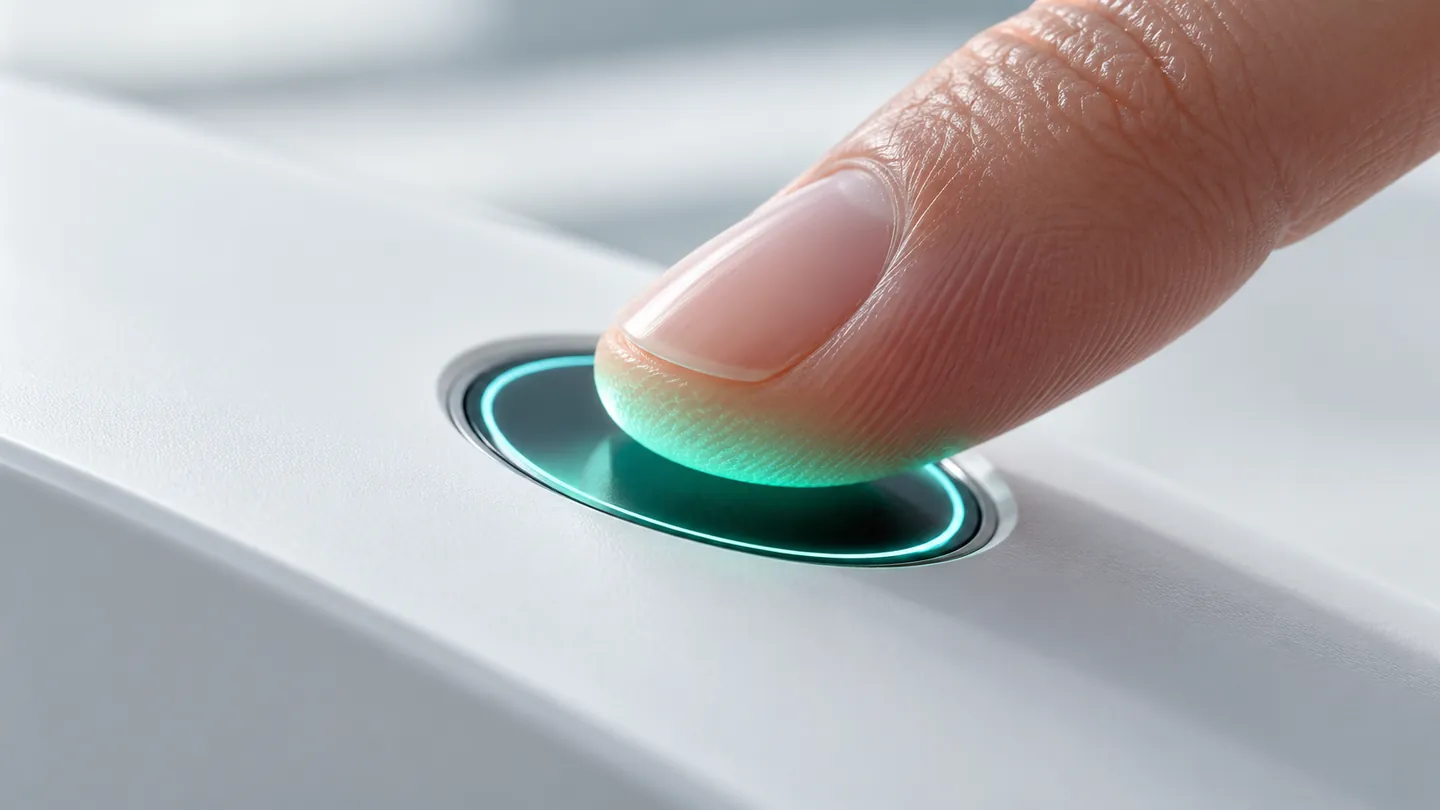
Fingerprint access control proves who walked through, not which card was used. xSERVA UltraPASS-Bio matches a capacitive fingerprint on the reader and stores only an irreversible template.
From Enrolment to Decision
- 01
Enrol
Capture a finger from the console or at the reader. The image is turned into a one-way template and discarded.
- 02
Match
The reader compares a live finger to templates on the device in under a second.
- 03
Decide
Schedule and entitlement are checked, with an optional card or PIN as a second factor.
- 04
Record
The event and reason are written to the audit trail.
What Makes It Work
Irreversible Template
A one-way feature vector. The raw ridge image is never kept.
Duress Finger
A designated finger opens the door and silently raises an alarm.
Two-Factor Ready
Pair finger with card or PIN for the highest-value doors.
Works Offline
Matching happens on the reader, so a cut link does not stop it.
Where to Use It
Server rooms, cash rooms, pharmacy stores and any door with an audit duty.
What to Plan For
Dry, worn or very dirty fingers read less well. For gloved or dirty hands choose palm vein or face.
Fingerprint Questions
Is a fingerprint stored as an image?
No. xSERVA stores an irreversible feature vector and discards the image after enrolment.
What if a worn finger will not read?
Enrol more than one finger, or add a second credential such as a card, PIN, face or palm vein.
Can a stolen finger template be misused?
The template cannot be turned back into a fingerprint, and it is held on the reader rather than shared across sites.