Access Control for Government
xSERVA for government and public buildings screens visitors at the door, separates public, staff and restricted zones, uses biometric assurance where it counts and records every decision for accountability.
What Goes Wrong Without Smart Access Control
Public Access, Controlled Zones
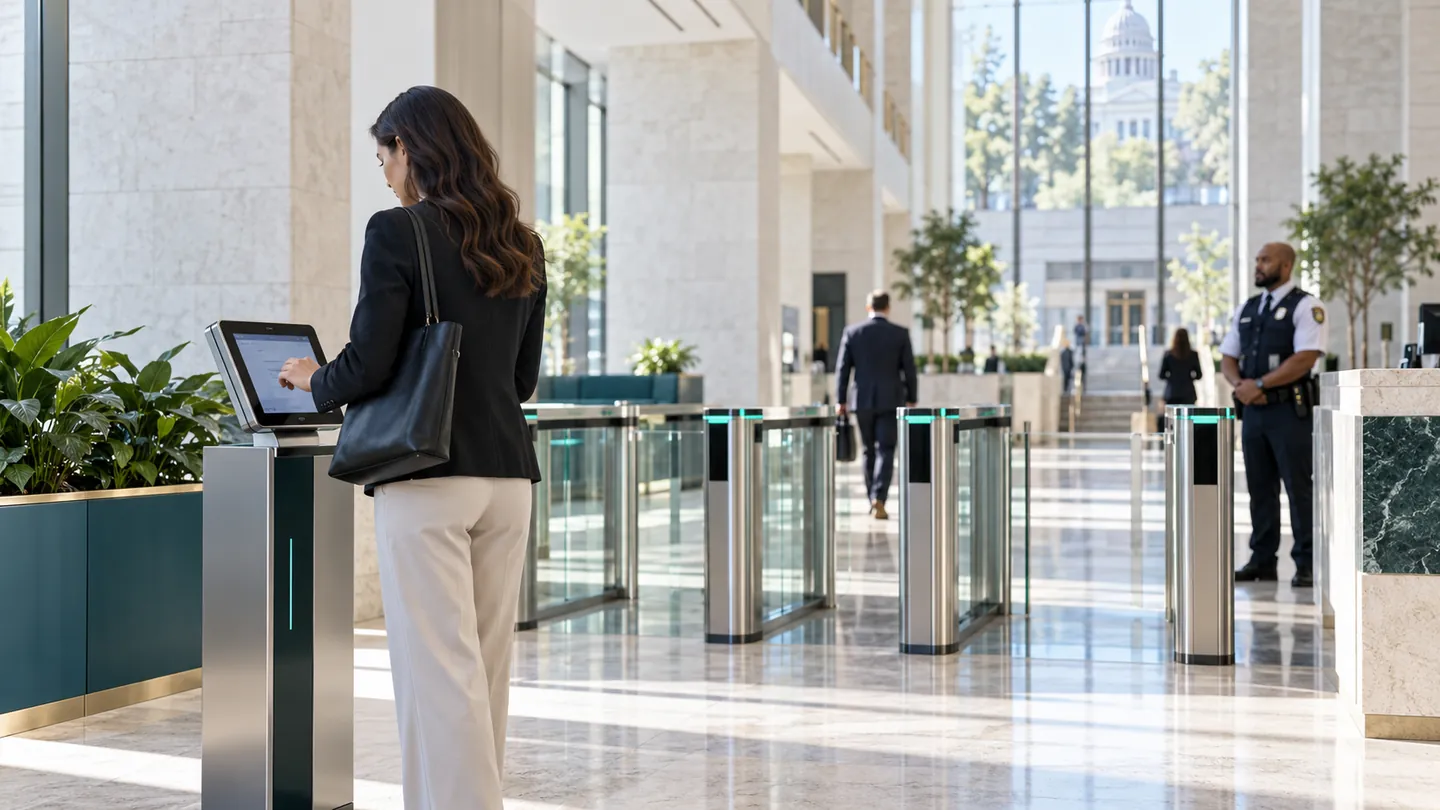
Visitors register at a kiosk, get a badge and a QR, and reach only the zones their appointment allows.
Assurance on Sensitive Rooms
Biometric and two-factor entry for registries, server rooms and evidence stores.
Accountability
Attributed audit trail with reasons for each decision, ready for inspection.
What We Would Put on Your Doors
- SuperPASS-Visitor kiosks
- Tiered zones with schedules
- Biometric plus PIN on restricted rooms
- Plate recognition for official vehicles
- Forensic search for investigations
Outcomes You Can Expect
- Shorter queues at the entrance
- Evidence-ready audit trail
- Data handled with PDPA-aware practices
Questions from Government
Can visitors pre-register before they arrive?
Yes. A host registers the guest, a signed QR is sent by WhatsApp or a link, and the host is notified on arrival.
Is personal data protected?
Biometric templates are irreversible, commands are signed, and xSERVA is designed around data minimisation. Compliance also depends on how your organisation deploys it.
Can zones be tiered?
Yes. Public, staff and restricted areas are separate grants on one site hierarchy, with a schedule on each.