Liveness and Anti-Spoofing Access Control
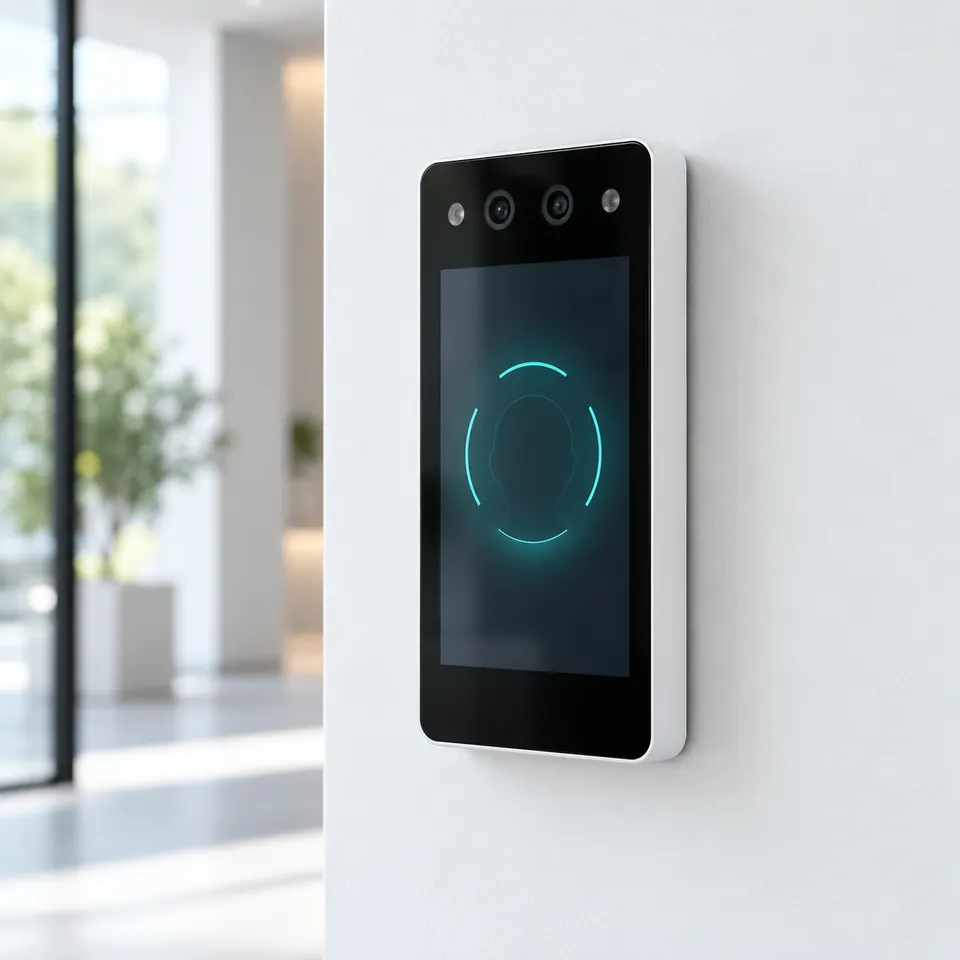
Liveness detection tells a real person from a photo, a video or a mask. xSERVA uses passive liveness at UltraPASS-Face, so genuine users are never asked to blink or turn, and printed or screen attacks are refused.
From Enrolment to Decision
- 01
Look
The reader sees a face approach the camera and illuminator.
- 02
Test
Neural checks look for the depth and texture cues that a flat photo or a screen cannot fake.
- 03
Match
Only a live face is then matched to the template.
- 04
Record
A spoof attempt is logged as a denial with the reason.
What Makes It Work
Passive, No Gestures
Users just walk up, so throughput stays high.
Stops the Common Attacks
Printed photos and phone or tablet replays are rejected.
Tuned per Door
Strictness is set per door for lighting and risk.
Logged
Spoof attempts appear in the audit trail and can raise alerts.
Where to Use It
Any door that uses face recognition, and especially entrances open to the public.
What to Plan For
No liveness check is perfect. Combine face with a second factor on the highest-value doors.
Liveness and Anti-Spoofing Questions
Can someone fool the reader with a photo?
Passive liveness rejects a printed photo or a screen replay. For the highest-value doors we recommend a second factor as well.
Do users have to blink or turn their head?
No. The check is passive, so people walk up and look at the reader.
Is liveness configurable?
Yes. Strictness is tuned per door, balancing speed against risk.