Cameras That Understand the Door
xSERVA computer vision turns door cameras into access control analytics: tailgating, occupancy, PPE, loitering, queues and vehicles are detected by AI and attached to the access event that caused them.

Eight Checks That Make Doors Smarter
Each one works on its own and each one is tied to the access list, so an alert always arrives with the context to act on it.
Tailgating and Piggyback Detection
Counts the people who pass a door against the credentials presented. When two people go through on one face, card or QR, xSERVA raises an alert tied to that exact door event.
Why it matters. A valid badge used by two people is the most common way a secure door is bypassed, and no card reader can see it.
How It WorksLive Occupancy and Headcount
A running count for each zone, floor and building, with capacity limits that can refuse entry when a room is full and a muster roll that is always current.
Why it matters. Fire wardens, safety officers and facility managers get the answer to "who is inside right now" in one screen.
How It WorksPPE Compliance at the Gate
Checks for a hard hat, high-visibility vest, safety glasses or a face mask before the door releases, and records the result against the person.
Why it matters. Safety rules are enforced where people actually enter, not discovered afterwards in an incident report.
How It WorksLoitering and Dwell Alerts
Flags a person or vehicle that lingers at a door, a loading bay or a restricted corridor for longer than the rule allows, with the event and a clip together.
Why it matters. Most intrusions look like someone waiting for a door to open for them.
How It WorksQueue and Crowd Flow
Measures waiting time and lane load at turnstiles, barriers and reception, so a site can open another lane before the morning peak turns into a crowd.
Why it matters. Smooth entry is a security feature: crowded lobbies are where tailgating and frustration both start.
How It WorksAfter-Hours Zone Detection
Arms a zone on a schedule and raises an alert when a person is detected in it with no matching access event, such as a plant room at night.
Why it matters. Detection tied to the access list tells a contractor on a valid pass apart from someone who should not be there.
How It WorksVehicle Intelligence
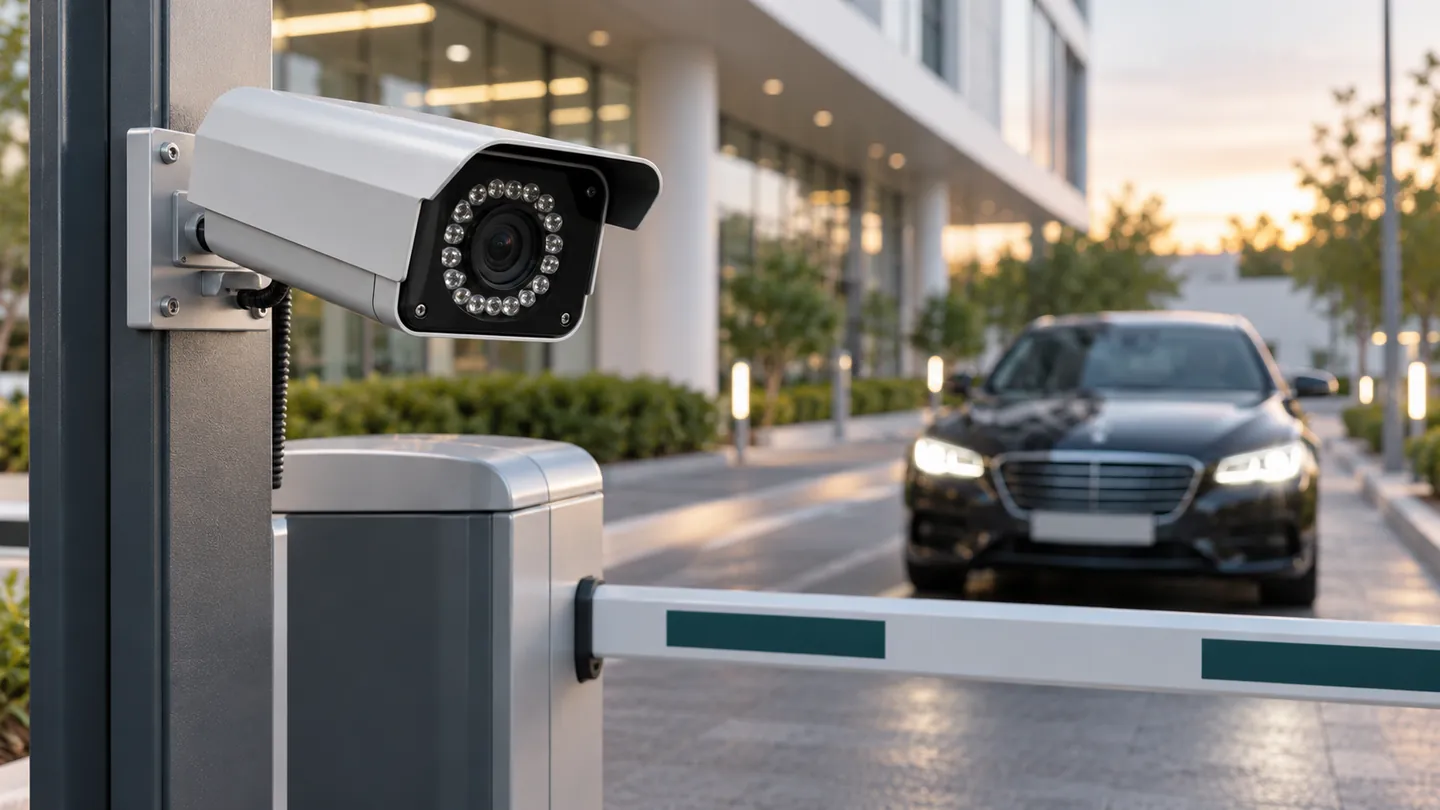
Allow lists, watch lists and dwell time for every plate, with the driver and the vehicle paired into one event so a gate shows who arrived, not just what arrived.
Why it matters. Car parks and yards are where deliveries, staff and visitors all meet one barrier.
How It WorksForensic Search
Find an event by person, plate, door and time window, and open the matching clip beside the decision that was made. No scrubbing through hours of footage.
Why it matters. An investigation that took a day takes minutes, and the evidence is already attached to the access record.
How It Works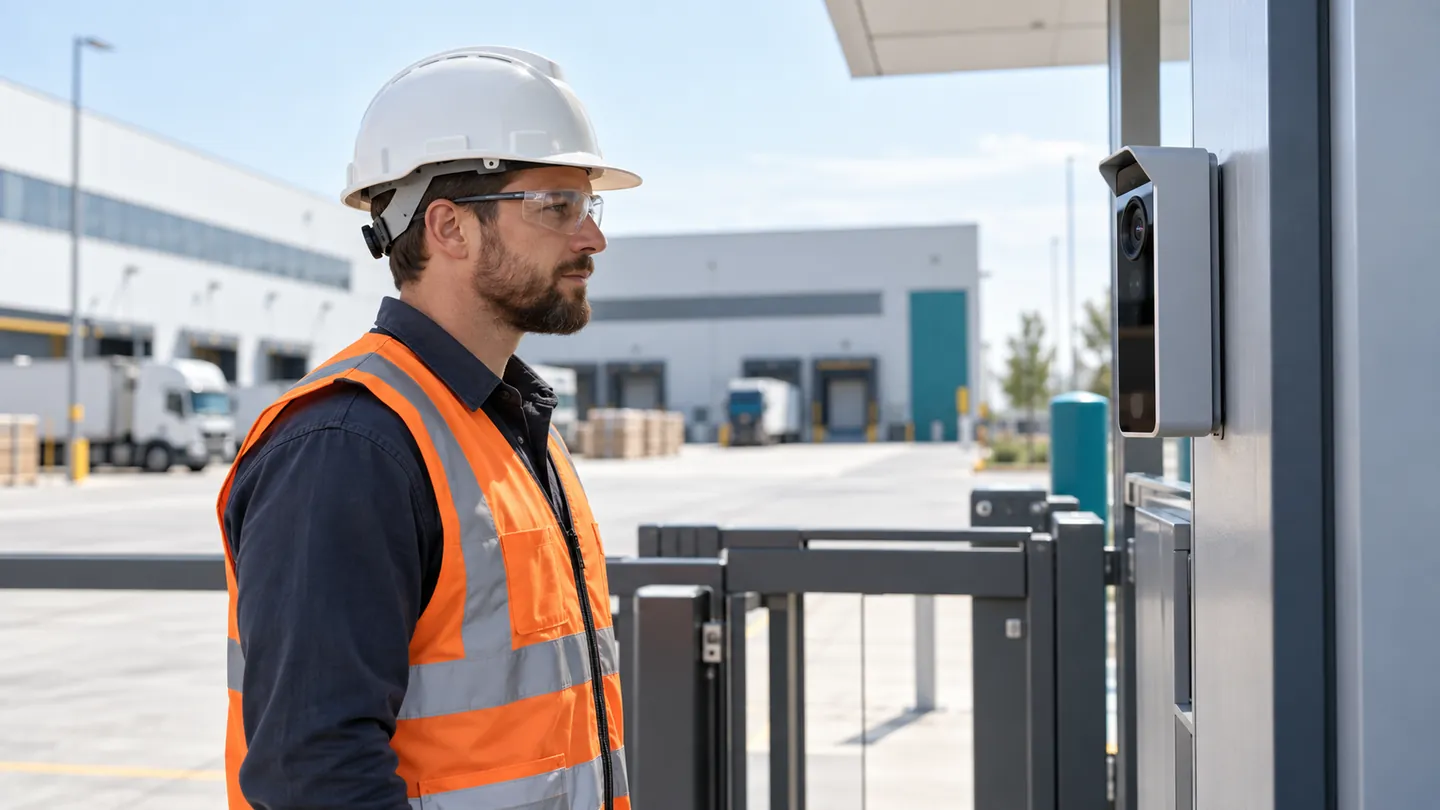
Enforce the Rules Where People Enter
A safety rule that is only checked in an audit is a rule that is broken in practice. xSERVA checks at the door and keeps the evidence.
- Per-zone rule sets. A workshop may need a helmet and vest, a clean room may need a mask, an office needs neither.
- Pass, warn or block. Choose whether a failed check blocks the door, warns the worker or only logs it.
- Evidence on the record. The result is stored against the person and the door, ready for a safety review.
Vision and Access, in One Record
Most systems keep video in one product and access in another. In xSERVA they share one event, so you never match timestamps by hand.
- 01
See
A camera at the door watches for people, vehicles and equipment.
- 02
Match
Detections are matched to the credential presented at the same moment.
- 03
Flag
A mismatch, a missing helmet or a long dwell raises an alert.
- 04
Prove
Open the event to see the decision, the reason and the clip together.
The Same Intelligence at the Barrier
Plate recognition shares the access list with every door, and pairs the driver with the vehicle so a gate event shows who arrived as well as what arrived.
See Plate RecognitionVision With Privacy Built In
Cameras at a door are a responsibility. xSERVA gives you the controls to use them well.
Purpose-Limited
Each analytic is switched on per door and for a stated purpose, not everywhere by default.
Retention You Set
Choose how long clips and events are kept, and who may view them.
Role-Based Viewing
Only roles with the right permission can open a clip, and every view is recorded.
Computer Vision Questions
What is computer vision access control?
It is access control that uses cameras and AI to understand what happens at a door: how many people pass, whether they wear protective equipment, who lingers and which vehicle arrives. xSERVA attaches each finding to the access event it relates to.
How does xSERVA detect tailgating?
It counts the people who pass a door and compares the count with the credentials presented. When two people go through on one credential, an alert is raised with the event and a clip.
Can it check PPE before a door opens?
Yes. It checks for a hard hat, high-visibility vest, safety glasses or a face mask according to the rule set for that zone, and records the result against the person.
Is video stored?
Retention is configurable, and clips are kept with the access event they relate to. Your privacy policy and local law decide how long and who may view.
Does it need special cameras?
It works with the UltraPASS readers' cameras and with suitable site cameras. A site survey confirms the angle and lighting for each door.