Keep Every Card You Already Have
xSERVA reads MIFARE Classic and DESFire, HID iCLASS and Prox, NTAG and NFC tags, and 125 kHz proximity cards and fobs on one reader, so an existing card estate migrates without re-badging, then upgrades at your own pace.
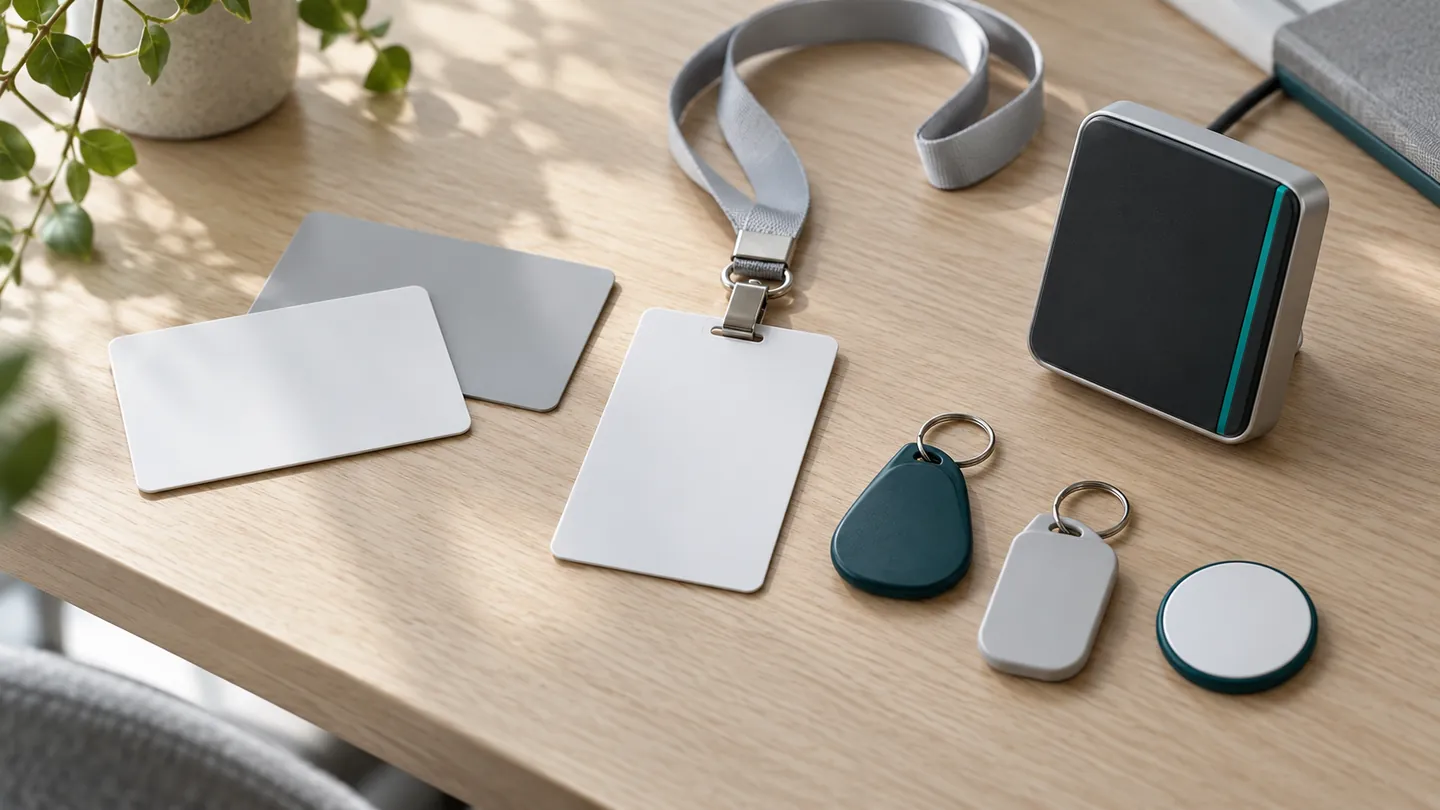
Five Card Families, One Reader
Pick any family to see what it is, how secure it is and how xSERVA works with it.
MIFARE Classic
13.56 MHz. Security: Basic. MIFARE Classic is the most widely deployed contactless card in offices, campuses and car parks.
Learn MoreMIFARE DESFire
13.56 MHz. Security: High. MIFARE DESFire is the recommended card for new issuance: it supports modern encryption and secure messaging, and it is the natural upgrade from MIFARE Classic.
Learn More125 kHz Proximity
125 kHz. Security: Basic. 125 kHz proximity is the long-serving card and fob technology in older buildings.
Learn MoreHID iCLASS
13.56 MHz. Security: Medium. Many large sites carry HID cards from an earlier access system.
Learn MoreNFC Tags and NTAG
13.56 MHz. Security: Basic. NFC tags such as NTAG stickers, tickets and wristbands are the cheapest way to issue a short-lived credential.
Learn MoreCard Technology Comparison
Frequency decides range and cost. Security decides which doors a card should protect.
| Technology | Frequency | Range | Security | Best For |
|---|---|---|---|---|
| 125 kHz Proximity | 125 kHz | 0 to 10 cm | Basic | Gates, car parks, older sites |
| MIFARE Classic | 13.56 MHz | 0 to 5 cm | Basic | Existing staff and student cards |
| NFC Tags and NTAG | 13.56 MHz | 0 to 4 cm | Basic | Events, wristbands, short passes |
| HID iCLASS | 13.56 MHz | 0 to 5 cm | Medium | Corporate and campus estates |
| MIFARE DESFire | 13.56 MHz | 0 to 5 cm | High | New staff cards and secure doors |
Security reflects the card technology alone. Any card is stronger paired with a PIN, face or fingerprint.
What Happens When a Card Is Tapped
- 01
Power
The reader field powers the card, which has no battery.
- 02
Read
The reader reads the card number and the format.
- 03
Normalise
UID case, byte order and number base are applied to match your records.
- 04
Decide
The holder, schedule and entitlement are checked locally in under half a second.
Built for Real Card Estates
- Repeat-tap guard. A set interval stops one held card from firing a burst of events.
- Mixed estates. Classic, DESFire, HID and proximity can all run on one reader at once.
- Second factor. Pair any card with a PIN, face or fingerprint on sensitive doors.
- Offline decisions. The reader holds the list, so a cut link does not stop the door.
- Enrol by tapping. Arm a reader from the console, tap the card, and the number lands on the holder record.
Moving From an Old Card System?
Card Questions
Which cards does xSERVA read?
MIFARE Classic 1K and 4K, MIFARE DESFire EV1, EV2 and EV3, HID iCLASS and HID Prox, NTAG and other NFC tags, and 125 kHz EM proximity cards and fobs. One UltraPASS-Door panel reads both 13.56 MHz and 125 kHz.
What is the difference between NFC, MIFARE and proximity?
NFC is the 13.56 MHz contactless standard family. MIFARE is a family of cards that work on 13.56 MHz, from the older Classic to the secure DESFire. Proximity usually means older 125 kHz cards and fobs that send a fixed number.
Which card is the most secure?
MIFARE DESFire is the strongest of the card types listed here because it supports modern encryption. For the highest-value doors, add a second factor such as a PIN, face or fingerprint whichever card you use.
Can I keep my existing cards?
In most cases yes. Readers read the card families above, and the UID letter case, byte order and number base are configurable so card numbers match your previous system.
Can a card be copied?
Some can. 125 kHz proximity cards and older MIFARE Classic cards are easier to copy than DESFire. Use a second factor on important doors and move to DESFire over time.
Can a phone act as an NFC card?
Phone credentials on xSERVA use Bluetooth and dynamic QR today. Phone NFC wallet keys are not listed as available, so ask us if you need them.