The Phone Stays in the Pocket
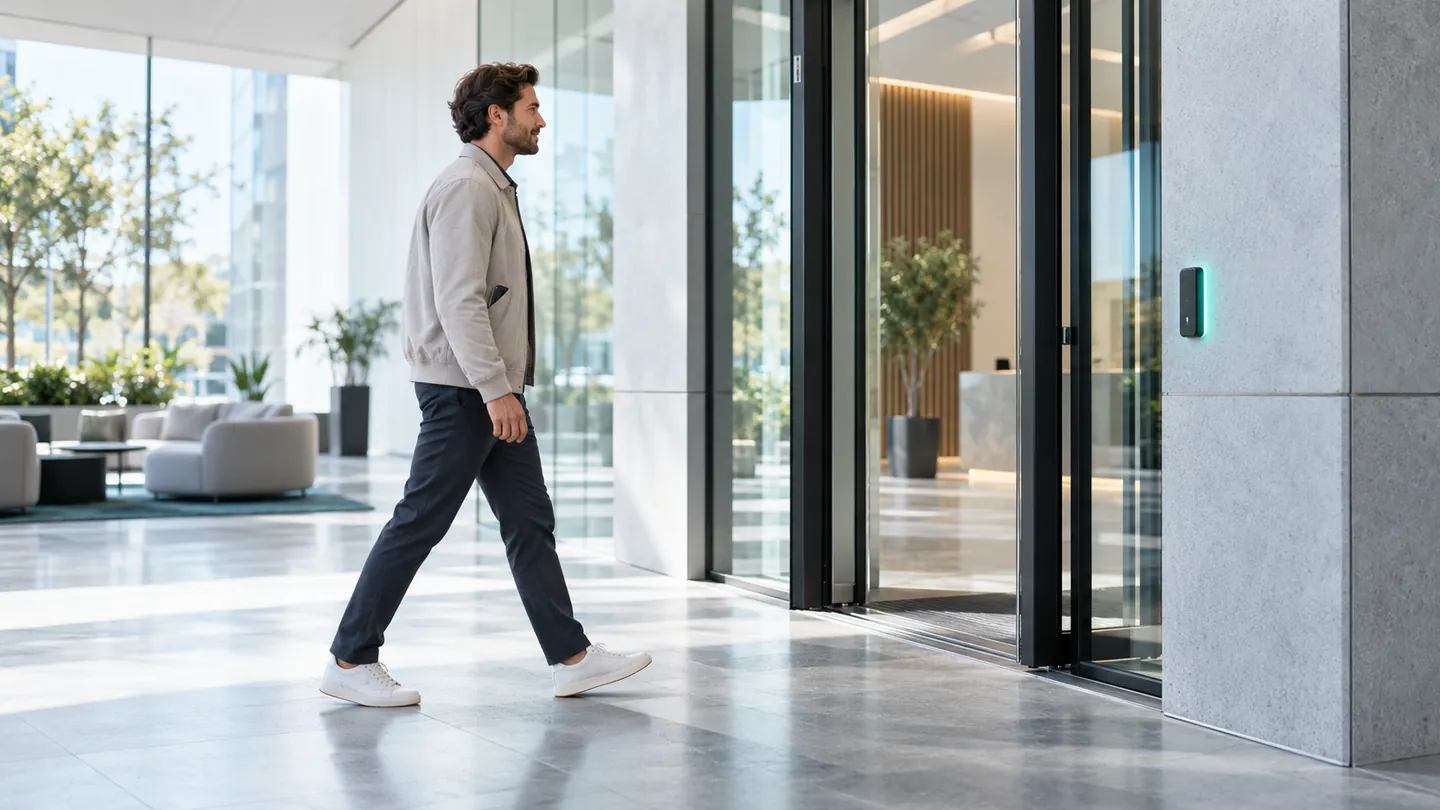
Bluetooth Low Energy turns a phone into a hands-free access credential. The reader and phone exchange a rotating token, the reader checks it locally against the holder, schedule and distance, and the door opens without anything being taken out, unlocked or presented.
Four Steps in Under a Second
- 01
Advertise
The reader broadcasts a short signal that a nearby phone can recognise.
- 02
Respond
The phone answers with a short-lived rotating token, not a fixed ID.
- 03
Verify
The reader checks the token, the holder, the schedule and the distance threshold on the device.
- 04
Open
If everything agrees the relay fires and the event is recorded.
Passive Proximity or Tap to Unlock
Choose the behaviour per door, so a main entrance can be fully hands-free while a sensitive door asks for an explicit tap.
- Passive proximity. The phone can stay in a pocket or bag. The reader opens when the right phone is close enough.
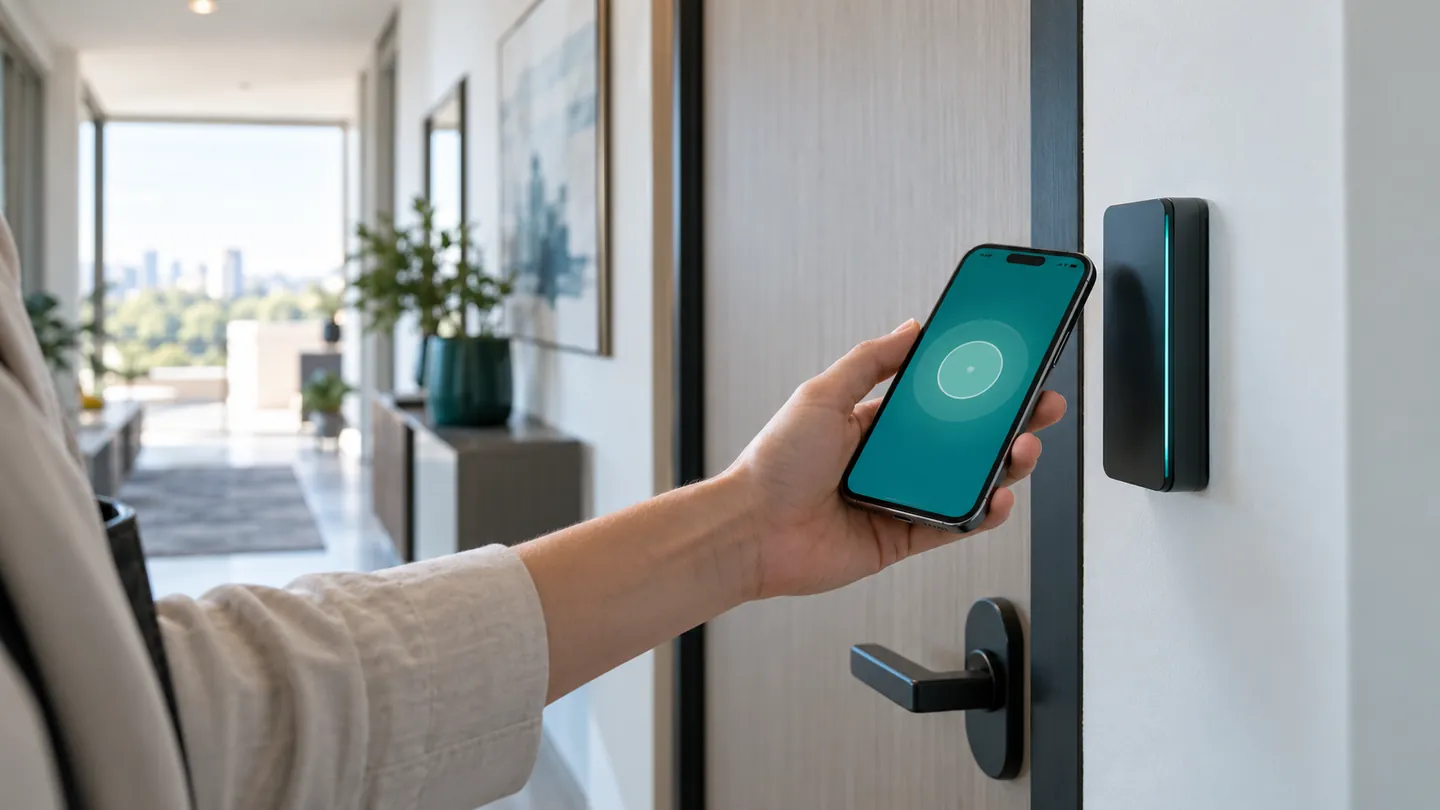
- Tap to unlock. The user opens the app and taps, which proves intent at a sensitive door.
- Range per door. The signal-strength threshold is set for each reader, from a few centimetres to several metres.
- Fallback on the same reader. Card, dynamic QR or PIN when a phone battery is flat.
A Phone Credential You Can Trust
Rotating Tokens
A short-lived token, not a fixed ID, so a captured token cannot be replayed later.
Distance Threshold
Per-door signal strength means a phone outside the building does not open the lobby door.
Decided on the Reader
Verification happens locally, so a cut internet link does not stop the door.
One Holder Record
The phone is one credential on the same record as the card and face, and revoked together.
Phone Credentials Side by Side
| Credential | Range | Hands-Free | Needs App | Best For |
|---|---|---|---|---|
| Bluetooth BLE | 0.1 to 10 m, tunable | Yes | Yes | Turnstiles, main entrances, accessible doors |
| Dynamic QR | Held to the scanner | No | No, opens in a browser | Visitors, contractors, deliveries |
| Cards and NFC Tags | 0 to 5 cm | No | No | Existing card estates |
Bluetooth Questions
How does Bluetooth access control work?
The reader advertises, the phone answers with a rotating token, and the reader verifies the token, the holder, the schedule and the signal strength locally before opening the door.
Does the phone have to come out of the pocket?
You choose per door: passive proximity, where the phone can stay in a pocket or bag, or an explicit tap-to-unlock in the app.
Can the door open for someone walking past outside?
No. The signal-strength threshold is set per door, so a lobby reader does not open for a phone that is only passing by.
Is a Bluetooth token secure?
The token is short-lived and rotates, so a captured token is useless later, unlike a static identifier that can be copied.
What if the phone battery is flat?
The same reader accepts a card, a dynamic QR or a PIN as a fallback.
Does it work on both iPhone and Android?
Phone credentials are delivered through the xSERVA app. Background behaviour is set by each phone maker, so we test your phone models during the site survey and recommend passive or tap mode accordingly.
Is BLE the same as NFC?
No. NFC needs the phone almost touching the reader. Bluetooth works from a distance you set, from a few centimetres to several metres, which suits turnstiles and accessible doors.